Email marketing
How to turn a blog article into a newsletter with ChatGPT
Learn how to use ChatGPT to turn a blog article into a clear, useful newsletter tailored to your readers.
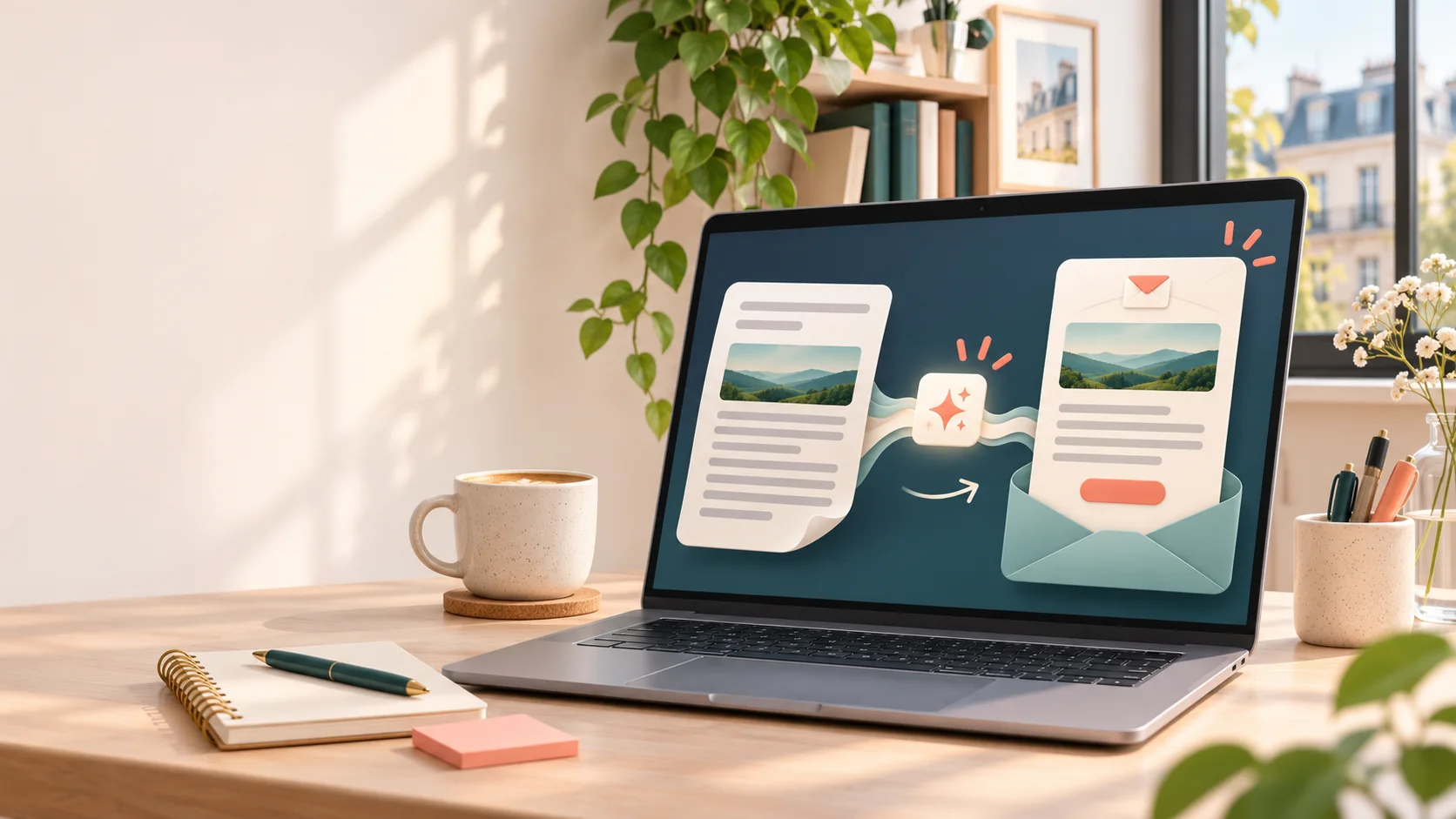
You have already published blog posts, but sometimes run out of ideas for your next newsletter? An older piece of content can help you create a useful email without starting from scratch.
Artificial intelligence, including ChatGPT, can speed up that adaptation. It can identify the important ideas in an article, suggest a shorter angle, and prepare a first draft. You still decide what will genuinely interest your readers and give the message your usual voice.
A blog article is not a newsletter
An article explores a subject in detail. A newsletter, on the other hand, needs to get to the point and make people want to read or act. Copying and pasting a whole article into an email is therefore likely to create a message that is too long.
Instead, choose one main idea and present it in a form that suits your recipients. Your article may contain several tips, while your newsletter can highlight just one and invite readers to discover the rest on your blog.
For example, if you have published a guide to preparing a garden for spring, you could create an email about one task to plan ahead. The email gives a practical tip, then offers the full guide to readers who want to go further.
Choose the right article and angle
Before opening ChatGPT, choose an article that remains useful and relevant to your business. A text published several months ago can still work, provided that its information is accurate.
Then ask yourself three questions:
- Who will receive this email?
- Which idea from the article would be useful to them right now?
- What would I like the reader to do after reading it?
That action does not have to be a sale. You can invite people to read the article, answer a question, book an appointment, or simply remember a useful tip.
If your article covers several subjects, ask the AI to suggest different angles. That way, you keep the choice instead of letting it decide the content of your campaign. To prepare AI-assisted content without starting from a blank page, the most useful approach is to give it real source material and remain in control of the result.
Ask ChatGPT for a draft, not a ready-to-send email
To get a suitable suggestion, give the AI the article text or the passages you want to reuse. Add specific guidance: who the recipients are, the tone you want, the length, and the action to highlight.
You can use this prompt as a starting point:
Based on the article below, propose a newsletter for [describe the recipients].
Choose one useful idea and present it in simple language.
Write an email of no more than 150 words, including a subject line, a short preheader, and a call to action leading to the full article.
Keep a [specify tone] tone. Do not add information that does not appear in the article. If something is missing, point it out instead of making it up.
Here is the article: [paste the text]
This prompt clarifies the expected task. ChatGPT should not simply summarise the text: it should extract an angle and adapt it to the email format. You can then ask for two or three subject-line options, or for a warmer or more direct version. A step-by-step approach also helps you use AI for practical tasks without coding.
Edit it to recover your voice
The AI-generated draft is a working base. Read it aloud: would you really say these sentences to a customer? Some wording can feel too general, too commercial, or unlike the way you normally communicate.
Add an example you know, a detail from your experience, or a phrase you would naturally use. Also check that the link leads to the right article and that the call to action matches what you want to offer.
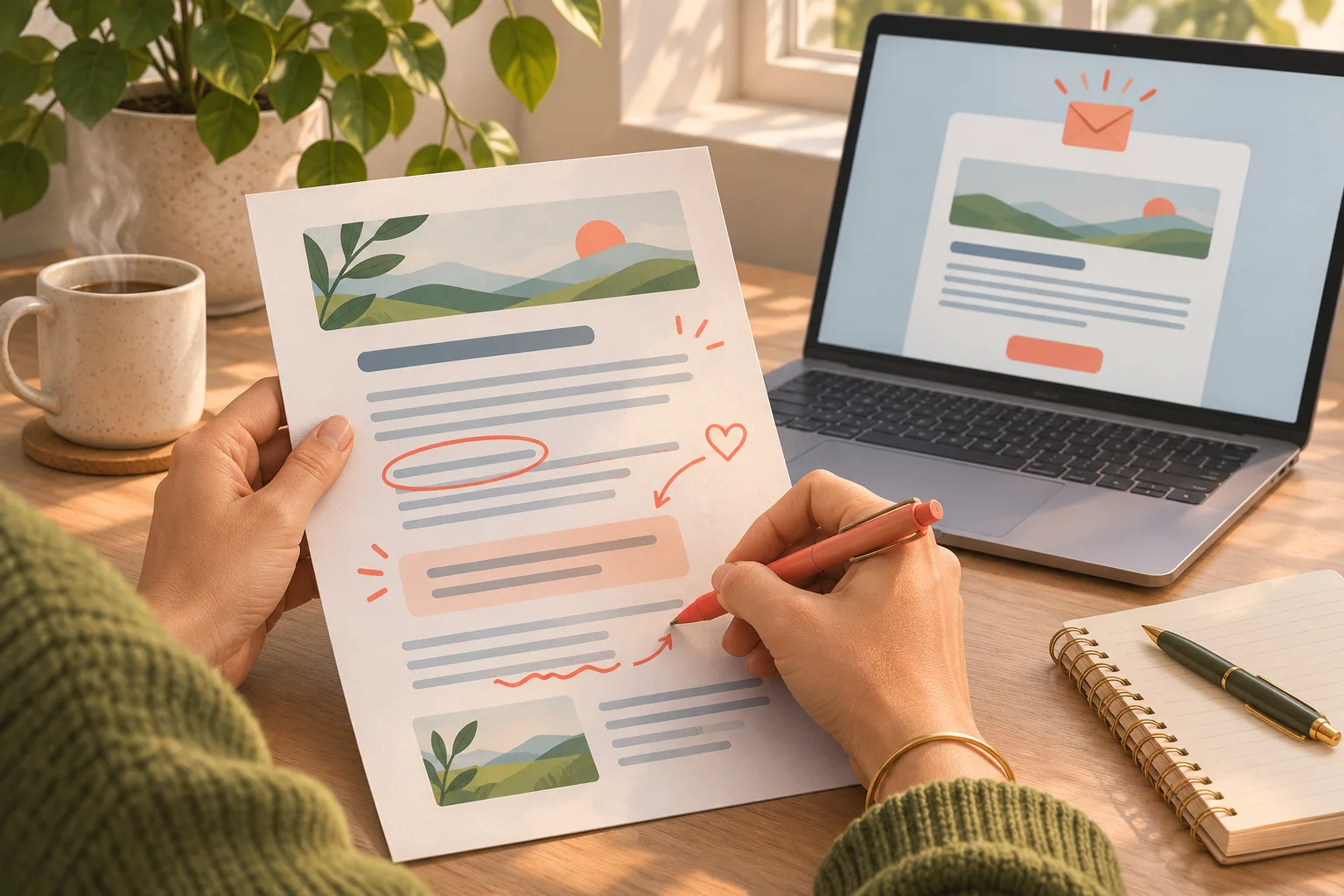
AI can save you time, but your knowledge of your customers is what makes a message accurate. Review the generated information too, and check for errors or claims the AI may present with confidence.
Adapt the email before sending
The same article can lead to several newsletters, but that does not mean you should send the exact same message to your entire list. Advice for recent customers will not necessarily meet the expectations of people who do not know your business yet.
If your list is organised into meaningful groups, you can ask the AI to adapt the draft for each of them. Do not share personal data: simply describe the recipients in general terms, such as “customers who have already used this service” or “people subscribed to my newsletter.”
Before sending, check the subject line, the mobile version, the links, and how easy the email is to read. A short, clear, useful email is often more likely to be read than a long message trying to say everything.
One article, several opportunities to communicate
Turning a blog article into a newsletter helps your subscribers discover your content and extends its useful life. You can reuse another tip a few weeks later, provided you offer a new angle and take the season or your audience's needs into account.
The method remains simple: choose a relevant article, define the idea to share, ask the AI for a draft, then review and personalise it. ChatGPT helps you get started and rephrase; you keep control of what you send.
You do not need to publish a new article for every newsletter. Your existing content can become the starting point for regular emails, provided you adapt it to readers instead of copying it word for word.