Compliance
Double opt-in: should you use it for email marketing?
Is double opt-in required? Learn how it differs from single opt-in, when to use it, and how to collect email consent more reliably.
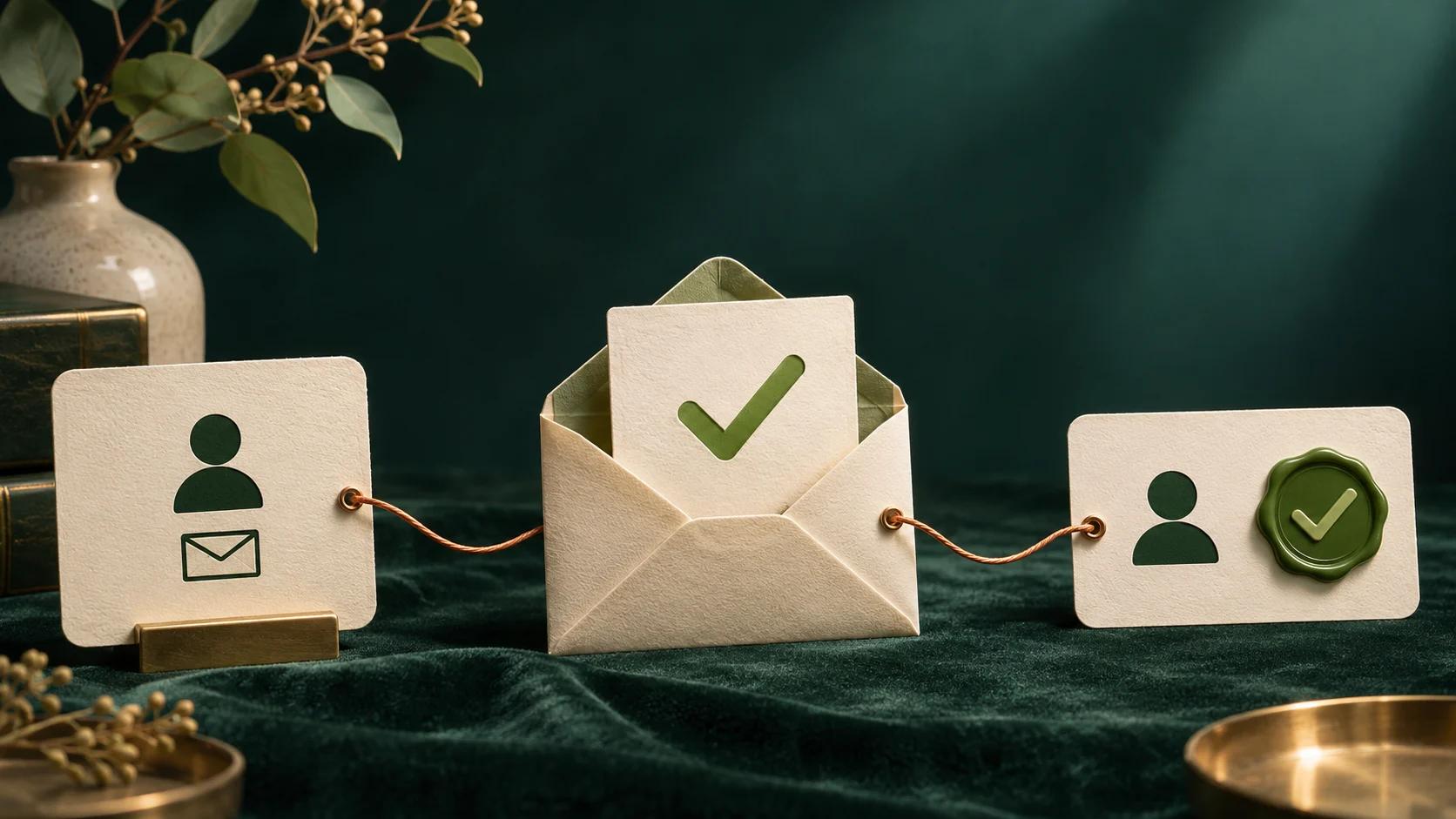
Double opt-in is not a universal legal requirement for email marketing, but it is often a sensible choice. After someone submits your sign-up form, they receive a confirmation email and must click its link before joining your list. That extra step verifies access to the email address and creates an additional record of the person's choice.
What matters legally is valid permission where consent is required: it should be freely given, specific, informed, and expressed through a clear positive action. Double opt-in can support that process, but it does not replace clear form wording, a suitable legal basis, or an easy way to unsubscribe. Requirements also vary by country and by the relationship you have with the recipient.
What is double opt-in?
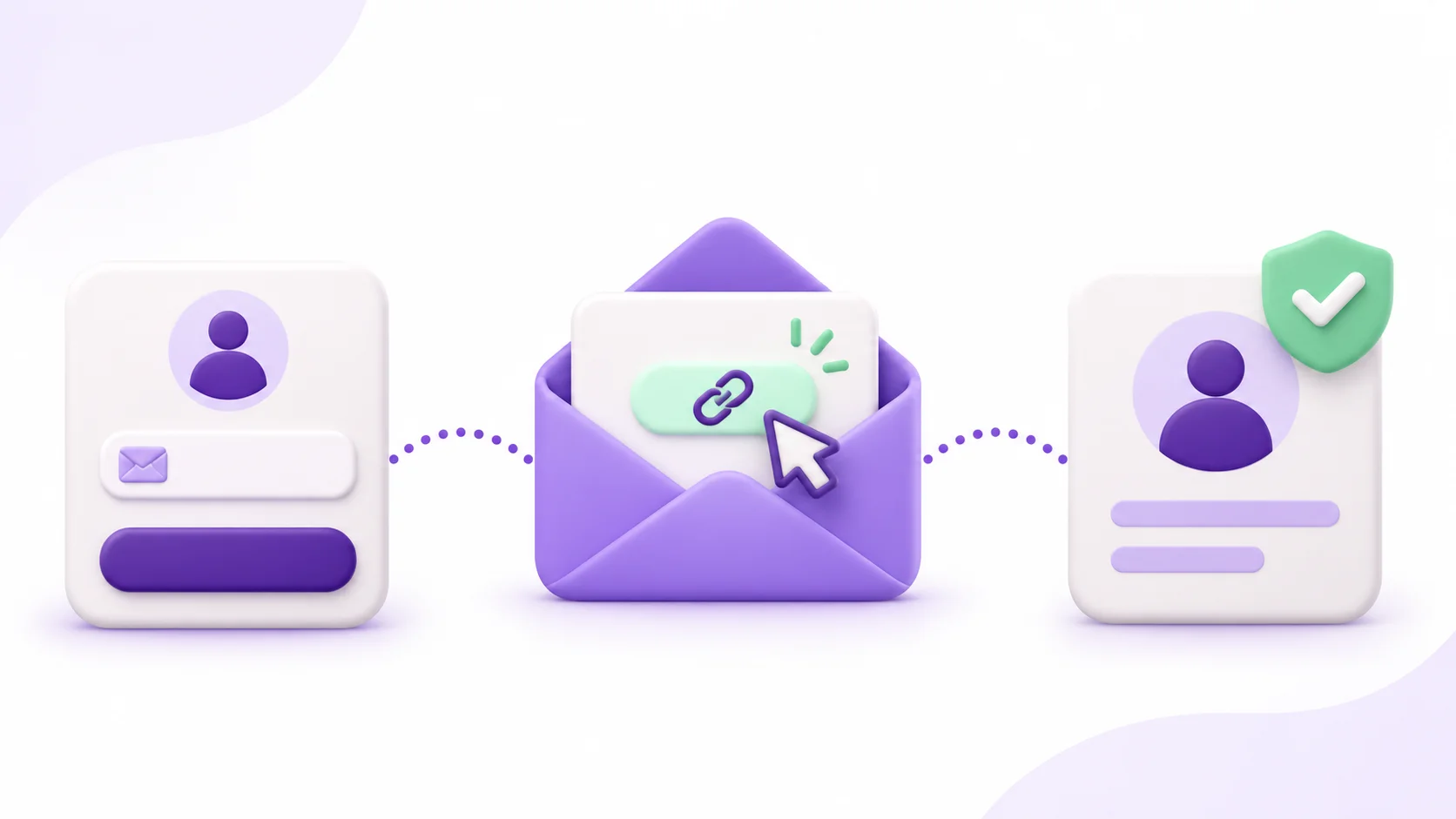
Double opt-in is a two-step subscription process. A person enters their address in your form, then confirms that request from their inbox. Only after that click is the contact added to the marketing list.
With single opt-in, the address is added as soon as the form is submitted. Both approaches can be appropriate. The trade-off is between a shorter path to subscription and stronger verification of the address and request.
Double opt-in does not mean asking for two checkboxes. The second action is the confirmation click from the email address that was entered.
Is double opt-in required for email marketing?
Usually, no: GDPR does not prescribe double opt-in as the only way to collect consent. However, many email marketing situations require you to be able to demonstrate a valid basis for contacting people, and local electronic-marketing rules can add their own requirements. A double opt-in gives you stronger evidence that the recipient can access the address and completed the confirmation journey.
It is not a compliance shortcut. A vague form, a pre-ticked consent box, misleading copy, or a missing unsubscribe link can still cause problems even if the person clicked a confirmation email. Treat double opt-in as one part of a clear, documented sign-up process.
Single opt-in vs double opt-in
| What changes | Single opt-in | Double opt-in |
|---|---|---|
| When the contact joins | Immediately after form submission. | After the confirmation link is clicked. |
| Address check | No proof that the person can access that inbox. | The person must open the inbox and confirm. |
| List quality | Can include typos or third-party sign-ups. | Reduces those risks, but does not solve every data-quality issue. |
| Conversion path | Shorter and simpler. | One more step can reduce completed subscriptions. |
| Evidence | Document the form, wording, and relevant logs. | Adds a confirmation event to that record. |
The best choice depends on the purpose of the form. A request for immediate access to a resource may benefit from the lowest possible friction. A long-term list, a public form exposed to abuse, or a programme where trust matters may benefit more from confirmed addresses.
When should you enable double opt-in?
Double opt-in is especially useful for public forms that may receive spelling mistakes, automated registrations, or addresses entered by someone other than the owner. It is also a good fit when you are building a long-term audience or want a stronger audit trail if a person later questions an email they received.
- Good candidates: recurring content, member communications, public website forms, and audiences you plan to contact over time.
- A choice to weigh: time-sensitive event registration, immediate access to a download, or a highly trusted audience where every extra step affects completion.
- Not the same thing as CAPTCHA: CAPTCHA aims to deter automated submissions; double opt-in confirms access to the address. They can work together.
A smaller list of genuinely confirmed contacts can be more useful than a larger one built from unverified submissions. Keep an eye on bounces, complaints, unsubscribes, and meaningful engagement; our guide on cleaning an email list explains how to use those signals without removing contacts too aggressively.
How to set up double opt-in in four steps
1. Explain what the person is signing up for
State what type of messages they will receive, who will send them, and where they can find your privacy information. If consent is needed, use a separate, understandable, unticked choice. Ask only for the information you genuinely need.
2. Send a recognisable confirmation email
Make the purpose clear in the subject line. In the email, remind the recipient where the request came from and give them one obvious action, such as “Confirm my subscription”. Do not begin sending marketing messages before the confirmation required by your chosen journey is complete.
3. Add the contact after the confirmation click
The link should lead to a page that confirms the subscription and tells the person what happens next. In Sendora, the contact is added after that validation, and you can customise both the confirmation email and the confirmation page to keep the experience aligned with your brand.
4. Keep the useful records
Retain the sign-up date, form or source, version of the consent wording, and confirmation status. This context helps you investigate complaints, respond to data requests, and understand where a contact came from.
Checklist: a clearer email sign-up
- Say what you will send and identify the sender.
- Link to your privacy information at the point of collection.
- Use a clear affirmative consent action whenever consent is required.
- Use double opt-in when address verification and a stronger record are valuable.
- Retain the form and confirmation details that support your sign-up records.
- Include a visible, working unsubscribe option in every marketing email.
- Monitor bounces and authenticate your sending domain with SPF, DKIM, and DMARC.
Once a list is confirmed, the work is not over. Send messages people expect, keep a sensible rhythm, and interpret your email metrics against the outcome you actually want rather than treating open rate as the only signal.
Common questions about double opt-in
Does double opt-in improve deliverability?
It can improve list quality by filtering out mistyped addresses and people who never complete the request. It does not guarantee inbox placement: sender reputation, content, sending volume, and domain authentication still matter.
Do I need a second consent checkbox?
No. The second action is the click in the confirmation email. A consent choice on the form may be appropriate for your purpose, but duplicating it just to create extra clicks is not the point of double opt-in.
What happens if someone never confirms?
Do not add them to marketing sends when your chosen journey requires confirmation. You may send a limited, clear reminder, then remove or isolate the unconfirmed request according to your retention policy.
Can I switch double opt-in off?
Yes, it is a journey choice. Before doing so, make sure your form still obtains the permission you need and that you retain clear evidence of how contacts were collected.